Prior to licensing Mail Markup Office a Trial Notification dialog () appears when Mail Markup Office is opened and the following limitations are imposed:
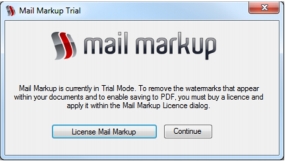
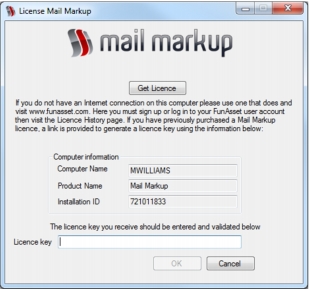
To prevent the Trial Notification dialog appearing and to remove limitations, a licence must be purchased then a licence key requested and applied to Mail Markup Office.
|
•
|
In the Mail Markup Office interface (Fig. 3) click the License button.
|
When a licence key has been created it can be applied to Mail Markup Office.
|
2.
|
In the Licence Key edit box paste or type the licence key.
|
|
4.
|
If the licence key is valid the License dialog is closed and a Notification dialog (Fig. 13) appears informing you that Mail Markup Office must be closed for the licence key to take affect. Click the OK button to do this.
|