When mail pieces have been detected and/or OMR marks have been applied, a document can be printed using any of the printer drivers installed in Windows.
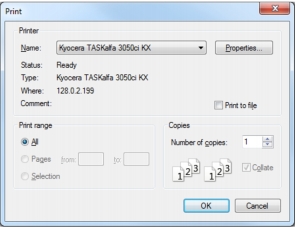
Click the Print button in the Mail Markup interface (Fig. 3) to open the Mail Markup Office Print dialog (Fig. 23).
|
1.
|
Click the Printer Name list box then select the required printer.
|
A Confirm Action dialog (Fig. 12) is now opened asking if you wish to close the Mail Markup Office interface.