|
•
|
The input folder where PDF documents that require processing are placed.
|
|
•
|
Settings to determine how individual mail pieces are detected in PDF documents.
|
|
•
|
One or more optional digital inserts that are appended to each mail piece.
|
|
•
|
An OMR mark configuration to determine how OMR marks are applied to one or more pages of a mail piece.
|
|
•
|
An optional release time when PDF documents start to be processed.
|
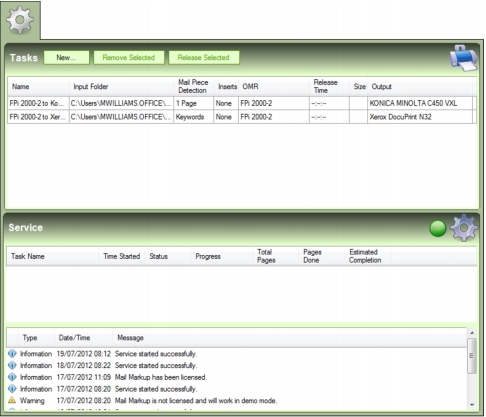
The Tasks tab contains a Tasks list (Fig. 7) where Tasks can be viewed and managed. The bottom of the Tasks tab also contains a Service list where Tasks in progress appear.
