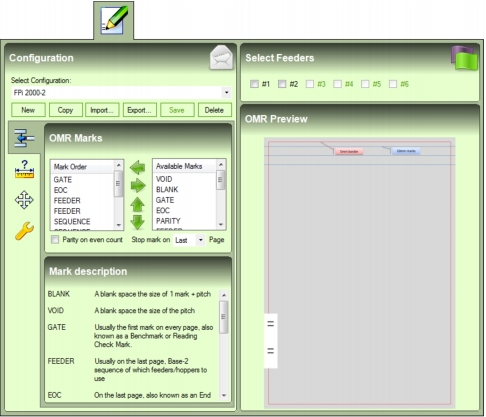
OMR Mark Overview To determine how Mail Markup Pro applies OMR marks to mail pieces, an OMR configuration and one or more optional feeders must be selected for each Task. An OMR configuration and feeders are selected on the OMR Marks tab (Fig. 30). Fig. 30 OMR Marks tab NOTE: By default, Mail Markup Pro does not contain any pre-configured OMR configurations. One or more configurations will therefore need to be added and/or imported then selected before a Task can be saved and used. MORE: For details about adding, editing, importing, exporting, copying, saving, deleting and previewing OMR configurations, refer to Managing OMR Configurations.