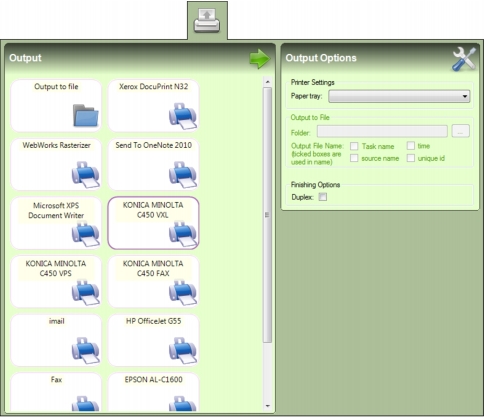
When Mail Markup Pro has applied OMR marks to a PDF document, the mail piece(s) it contains must be output to a printer or to file. A Task must therefore have an output selected before it can be saved.
Printer drivers available to the installation of Windows where Mail Markup Pro is installed appear as an output on the Outputs tab (Fig. 31).