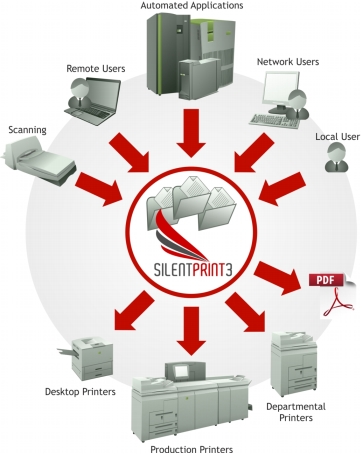
SilentPrint3 is a batch printing solution developed for the Windows environment. It comprises two components – a Client and a Service.
The Client provides an interface (Fig. 6) for managing configurations known as Tasks. Each Task consists of a file system folder called a Watched Folder, and a printer driver. The Watched folder is where documents that require printing or converting to PDF are placed.
The Service monitors Watched Folders for supported documents. When identified, it batches and sorts them then uses the associated printer driver to output them. Multiple Service products are available to cater for different batch printing and PDF production requirements.