To view licence, product and version information for the Service, and version information for the Client, click the About SilentPrint3 option on the Tray Menu (Fig. 4). Following this, the About SilentPrint3 dialog (Fig. 12) is opened.
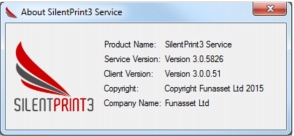
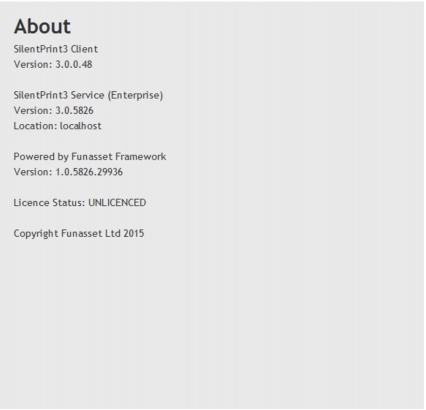
To view licence, product and version information for the Service, and version information for the Client, click the About SilentPrint3 option on the Tray Menu (Fig. 4). Following this, the About SilentPrint3 dialog (Fig. 12) is opened.

|