|
2.
|
Select the Task.
|
|
3.
|

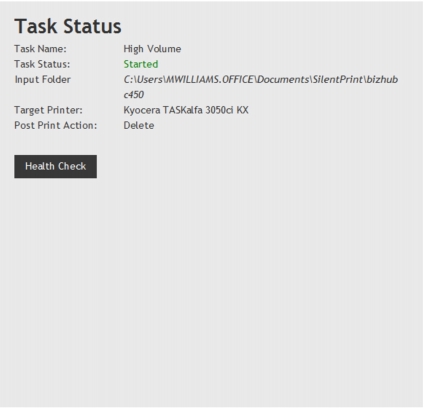
A health check displays information about the various components of a Task such as documents processed and the number of processing errors encountered. The ability to start and stop each component and clear errors and files processed totals is also provided.
To perform a health check, click the Health Check button on the Task Status page (Fig. 23). The following Task components now appear:
